




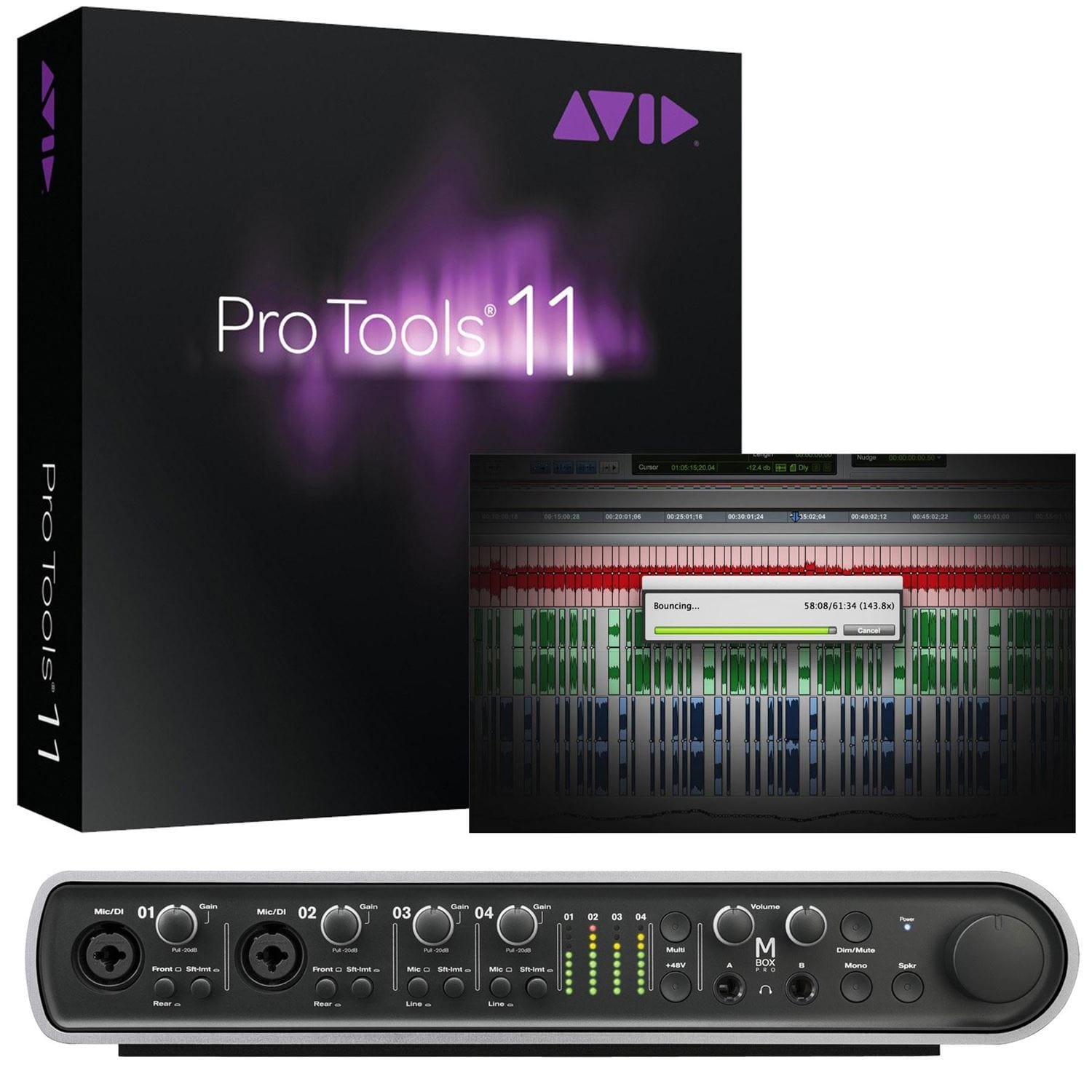

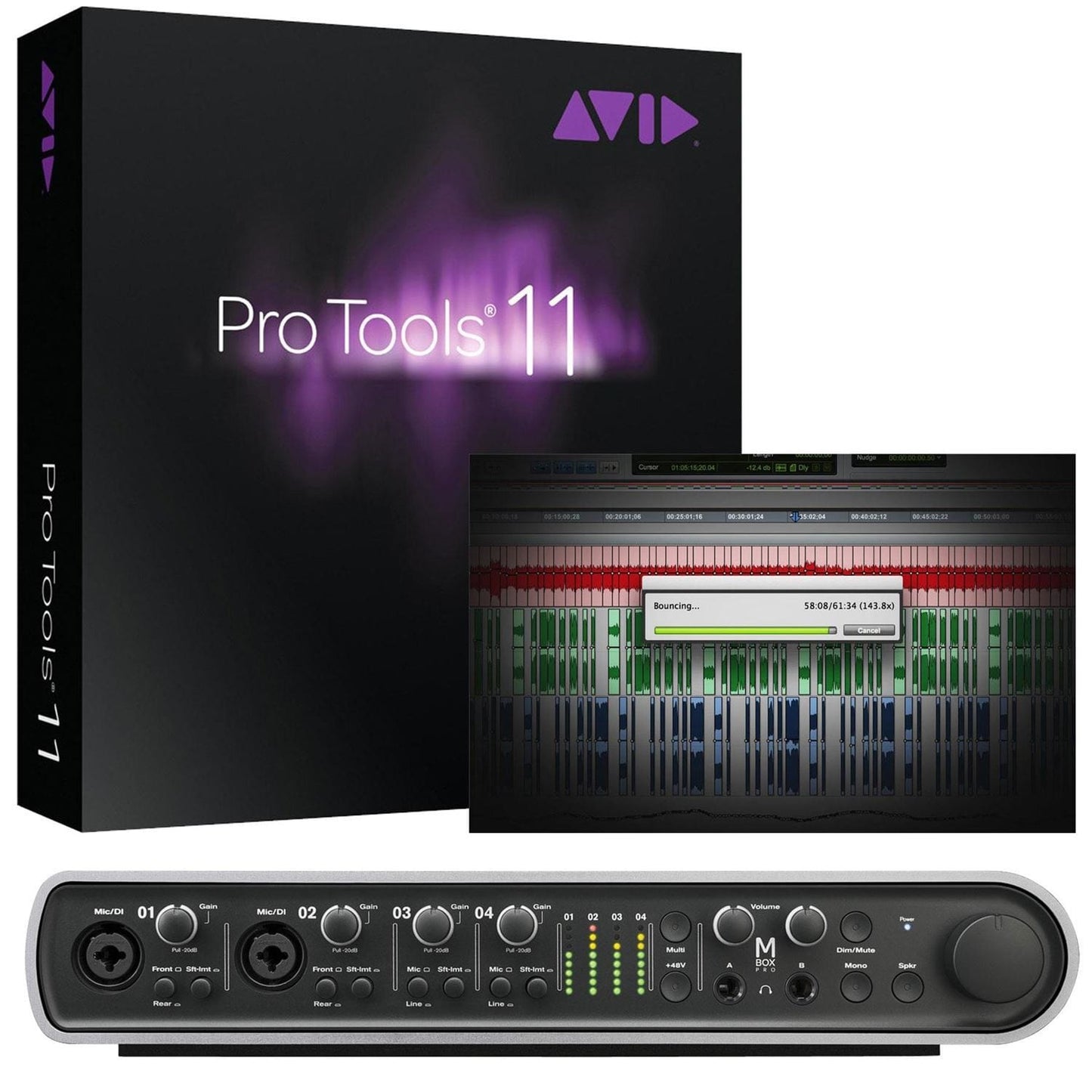
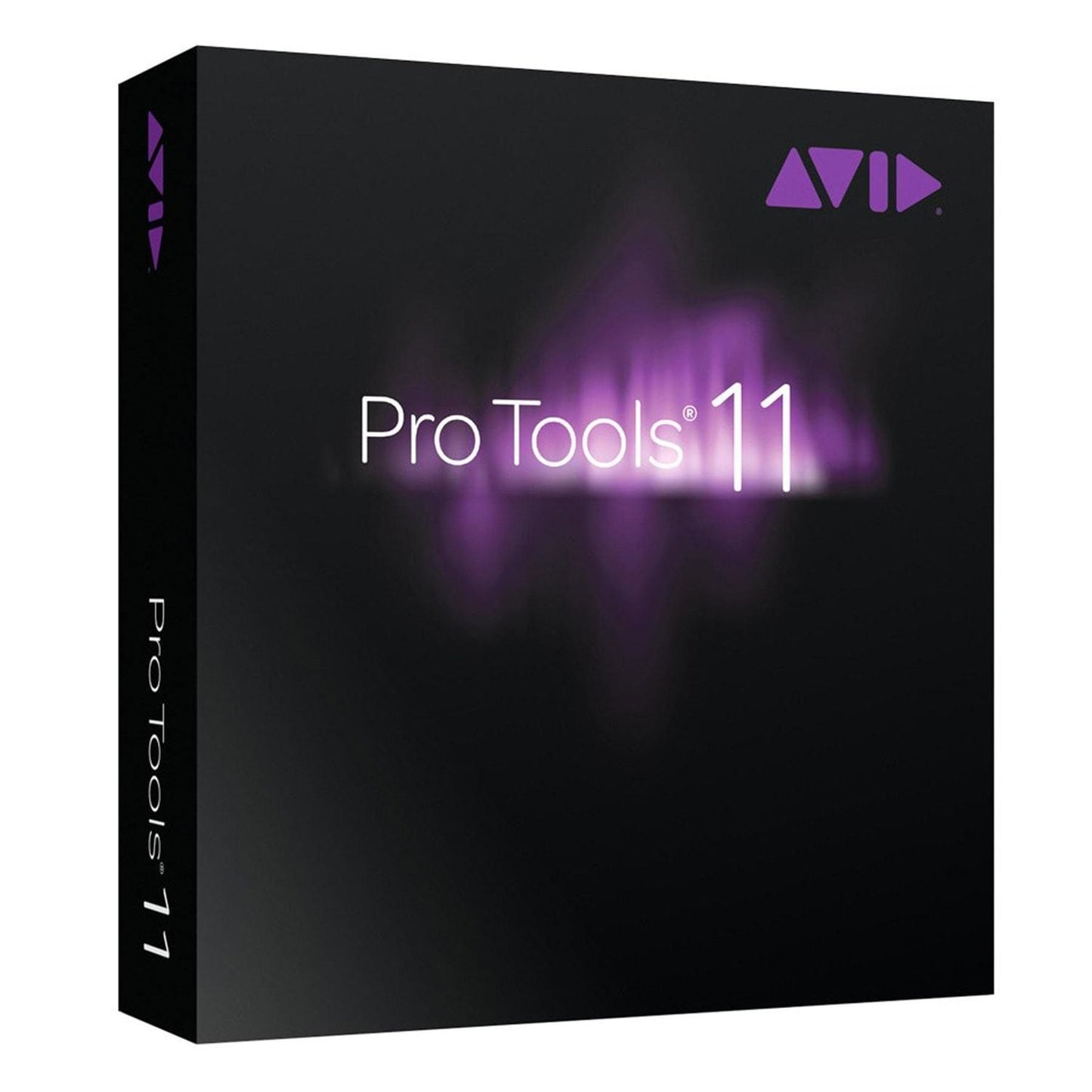
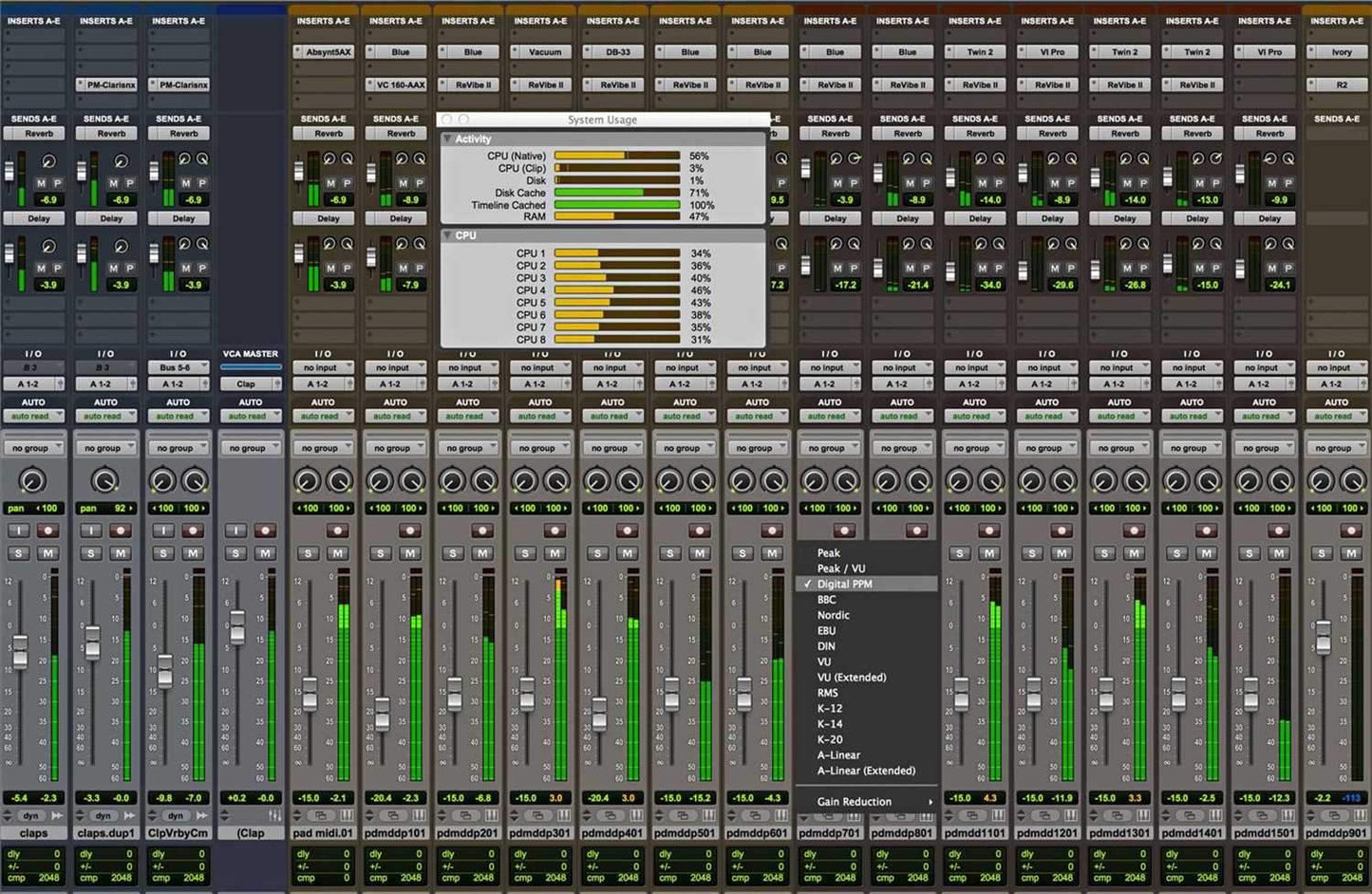
Pro Tools + Mbox Pro
High-resolution, high-performance, 8x8 Pro Tools studio bundle for Mac and Windows
Capture and create using the highest audio standards with Pro Tools + Mbox Pro, a powerful hardware/software bundle that gives you the best of both worlds-the most advanced and trusted music creation and audio production software on the planet, and a professional-grade, desktop hardware interface that consistently delivers best-in-class sound quality and performance.
With Pro Tools + Mbox Pro, you get everything you need to create music and audio on your Mac or PC-all in one affordable bundle that offers incredible value. And you'll always sound amazing, as Mbox Pro was designed by the same team who created our top-of-the-line Pro Tools HD Series interfaces, giving you the sonic clarity of interfaces costing much more.
Highlights- Get best-in-class audio quality and performance with hardware that's optimized for Pro Tools
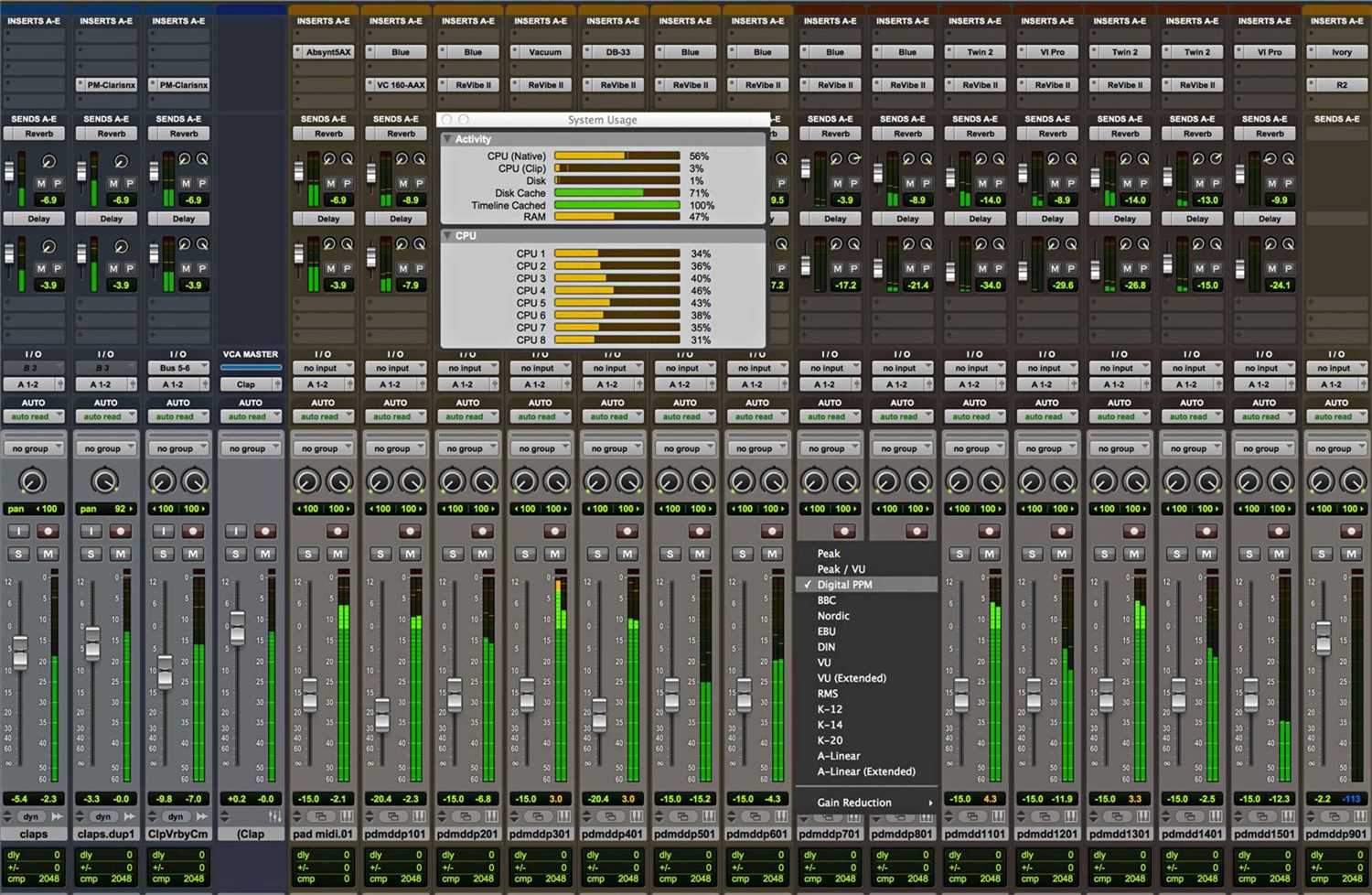
- Accelerate your creativity with Pro Tools software, the world's most advanced music and audio creation/production platform
- Create studio-quality productions with audio resolutions up to 24-bit, 192 kHz
- Work faster and easier with advanced workflows, including a multi-function button and Automatic Delay Compensation
- Have the flexibility to work with Pro Tools and Mbox Pro, with just Pro Tools, or use Mbox Pro with other audio software
- Connect mics, instruments, monitors, and more to a variety of analog, digital, and MIDI I/O
- Work with your favorite outboard effects and monitor 5.1 surround*
- Get everything you need in one tightly integrated solution-all at a great price
Whether you work solo or collaborate with others, you'll sound better than ever with the newly re-architected Mbox Pro audio and MIDI computer recording interface.
Pro Tools + Mbox Pro is designed by the same engineering team behind our top-of-the-line Pro Tools|HD systems. That means you get the exceptional audio quality and ease of use enjoyed by commercial studios in the comforts of your own home or project studio.
- Get best-in-class sound quality and performance with professional-grade circuitry and premium audio conversion
- Capture and mix studio-quality sessions, with up to 24-bit/192 kHz audio resolution
- Connect and control your gear with:
- 8 x 8 simultaneous channels of I/O
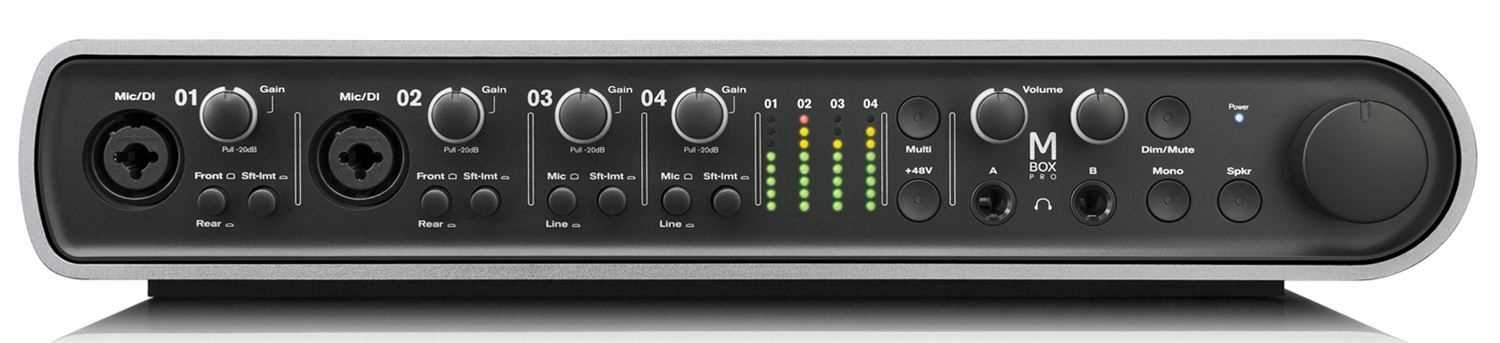
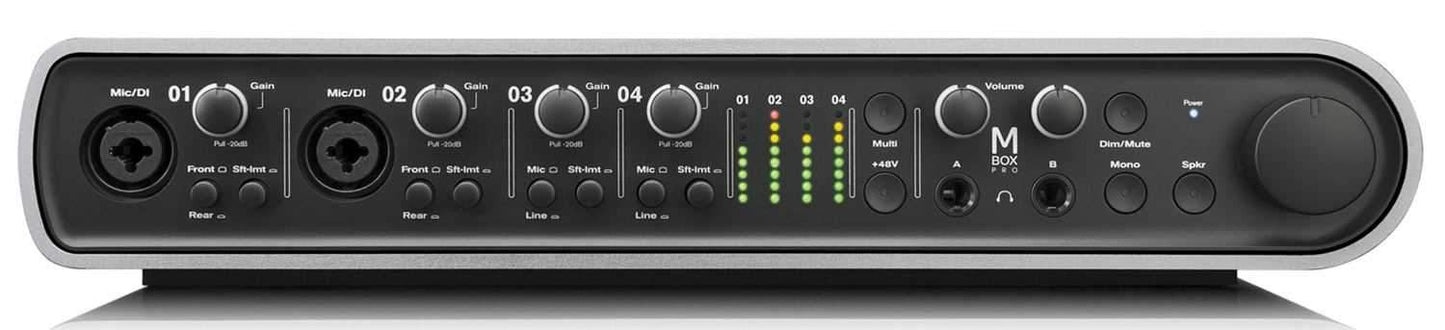
- Four mic inputs (two XLR mic/DI combo, two XLR) with professional-grade mic preamps, 48V phantom power, and high-pass filters
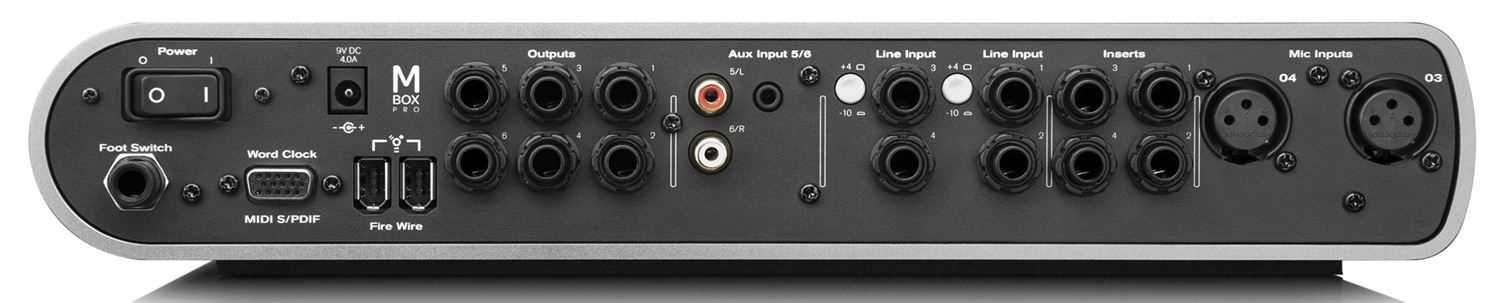
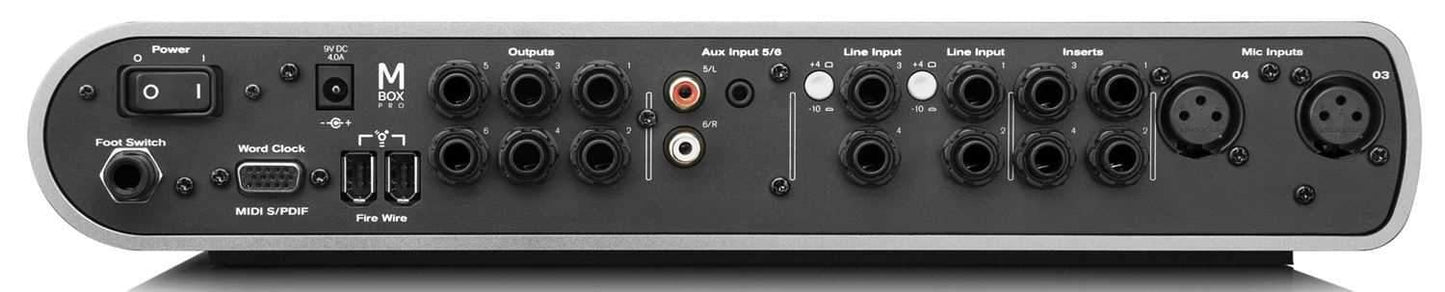
- Four 1/4" TRS line-level inputs
- Two unbalanced Alt line-level inputs (two RCA, one stereo mini 1/8")
- Six balanced 1/4" TRS line-level outputs
- Two 1/4" stereo headphone outputs with discrete volume controls
- Stereo S/PDIF digital I/O
- One MIDI input, one MIDI output
- Word Clock I/O
- Monitor control section with Mono, Mute, Dim, Alt Source, and Speaker A/B/C switching controls
- Dedicated monitor volume knob
- Access and perform Pro Tools functions easily with the assignable multi-function button
- Use Mbox Pro with Pro Tools or with other audio software, including Logic, Live, Cubase, and more
- Track hotter signals without clipping with the soft-clip limiter
- Ensure your instruments are in tune with the built-in guitar tuner
- Connect up to three pairs of speakers for A/B/ monitoring or monitor 5.1 surround*
- Set up flexible cue mixing and reverb effects with the onboard DSP
- Get fast and easy desktop connectivity through FireWire
Compose, record, edit, sequence, and mix with ease using the world's most po