




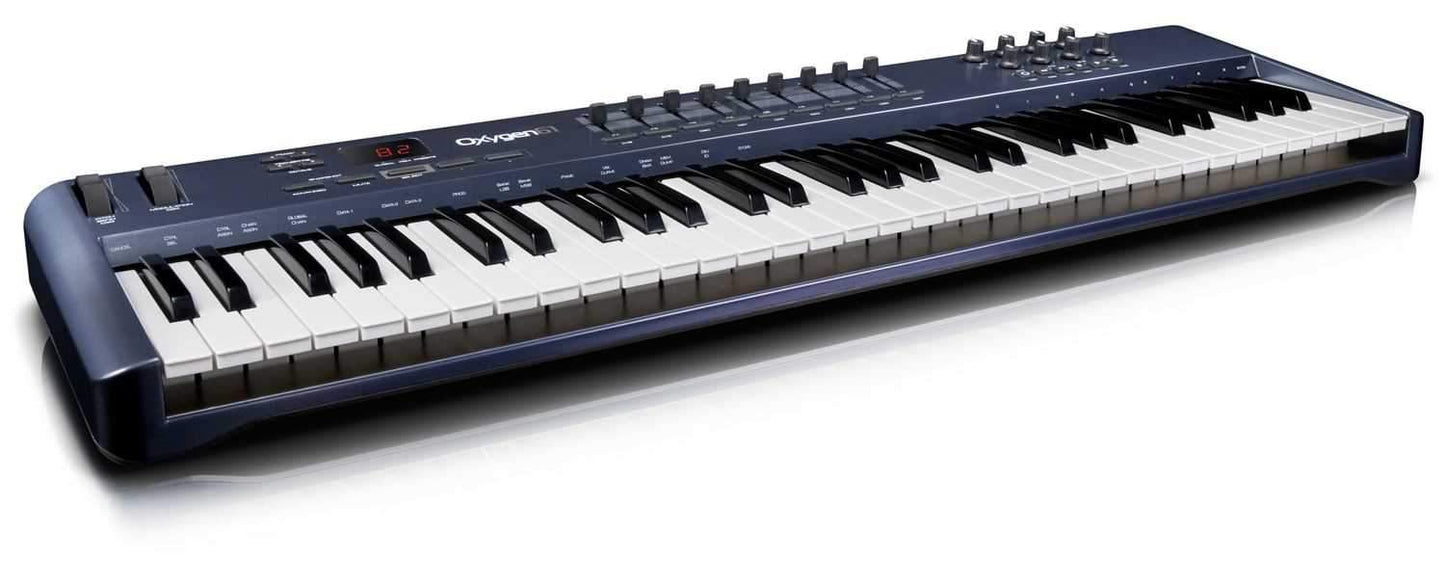
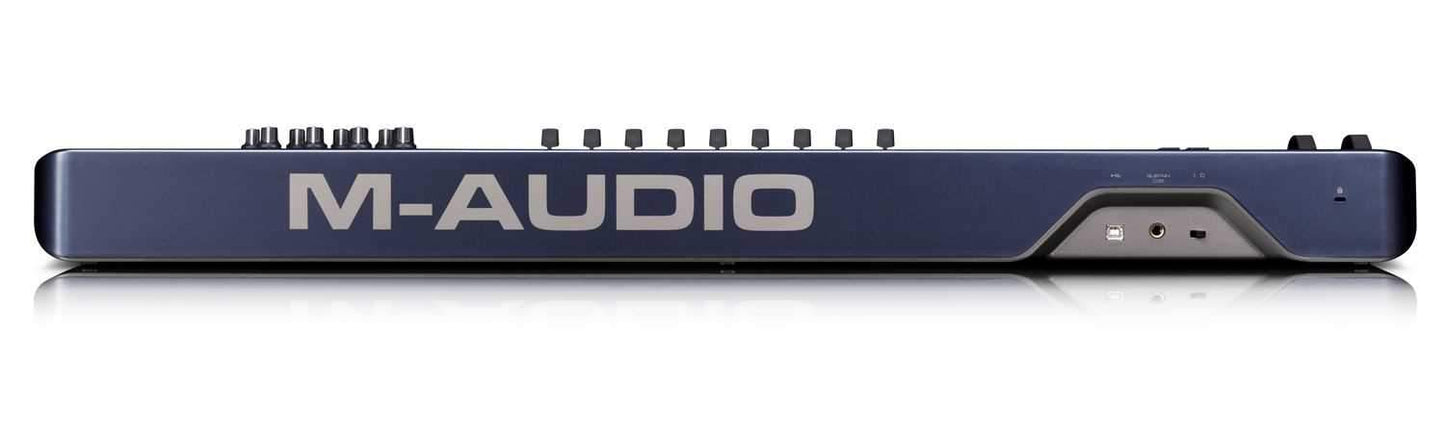
The Oxygen 61 USB MIDI Controller Delivers!
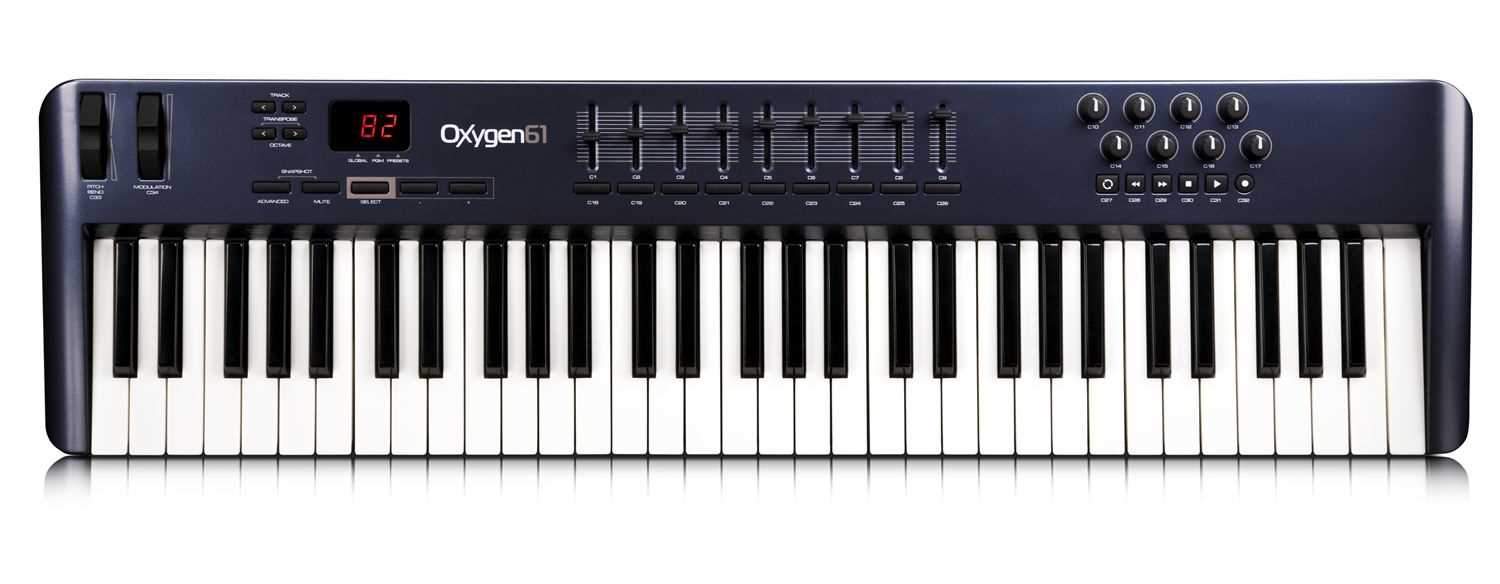
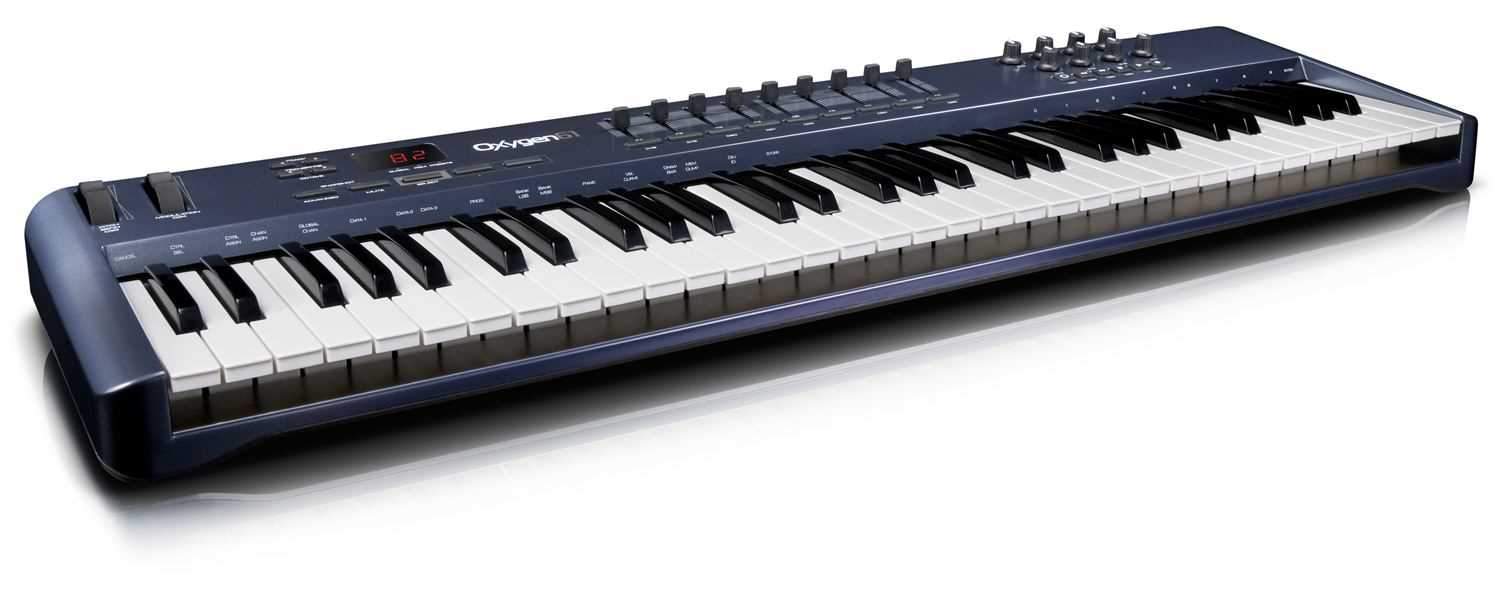
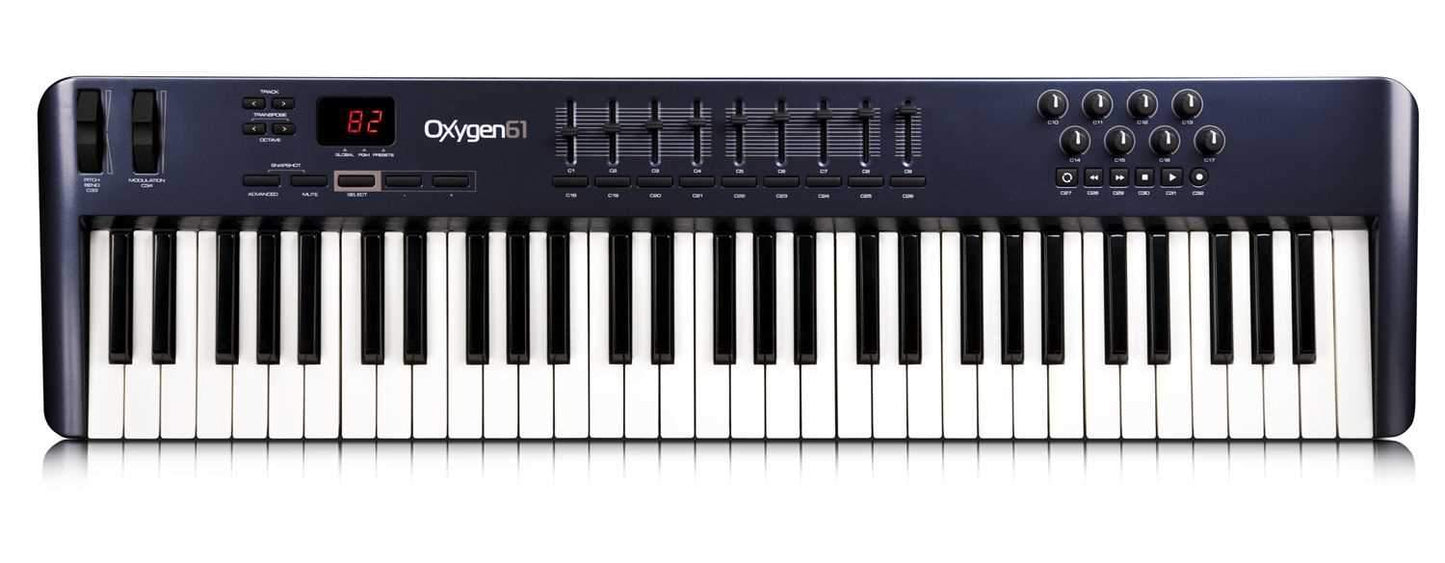
The Oxygen 61 USB MIDI controller delivers next-generation functionality from M-Audio®, the leading innovator in mobile music production technology. Oxygen 61 features eight assignable knobs and nine assignable sliders, plus dedicated transport and track select buttons. DirectLink mode automatically maps these controls to common DAW functions* including transport, mixer, track pan and plug-in parameters. Built-in factory presets offer support for popular virtual instruments right out of the box—no complicated setup required. Velocity-sensitive keys and a sleek, compact design round out a portable keyboard that’s perfect for both production and performance. No other MIDI controller in this price range has so much functionality while remaining easy to use.
Features:
- 61 velocity-sensitive keys
- 8 MIDI-assignable knobs
- 9 MIDI-assignable sliders
- 6 dedicated transport controls
- dedicated track up/down buttons
- DirectLink mode automatically maps controls to common DAW parameters
- Unique Select buttons for on-the-fly step-through of presets, program changes and MIDI channels
- 4 velocity curves and 3 fixed velocity settings
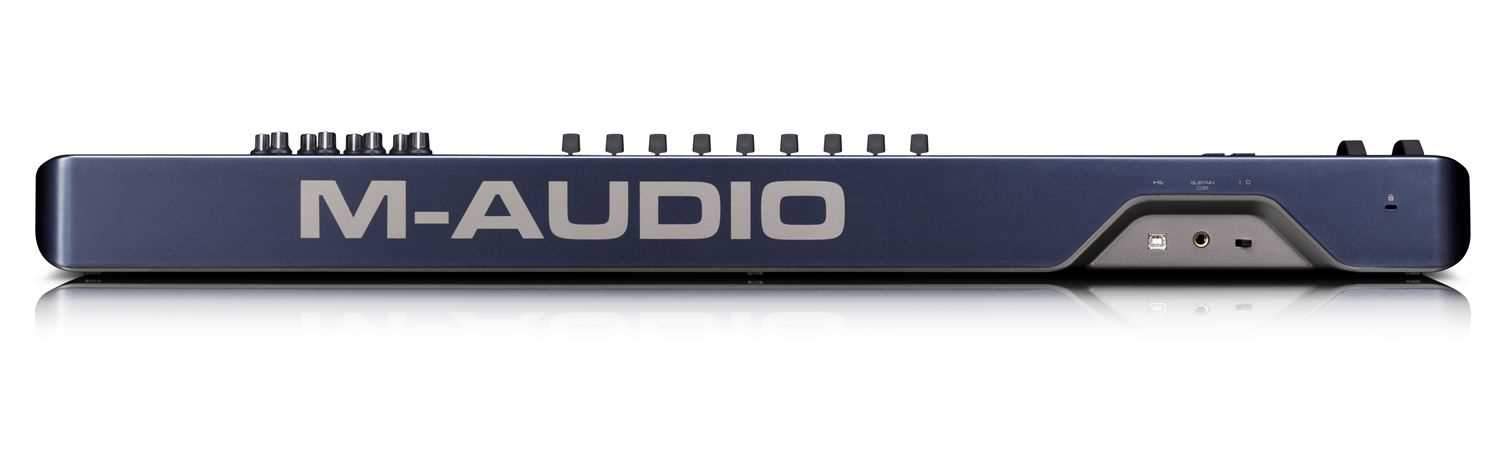
- sustain pedal input
- class-compliant with Windows XP, Windows Vista and Mac OS X
- USB bus powered
- Xpand!2
- Hybrid
- Velvet
- Strike
- Oddity
- ImpOSCar
- Minimonsta